Help
This system is called aseTool. The old system is referred to as eTool. Only final exam/assessment will be required in this system.
For those who have completed the data entry from the eTool system, they don't need to input data.
The data of the eTool is stored in the old server. Those data are intact but because of abrupt disconnection to the Internet & local network, the data were not in any way exported to outside backup.
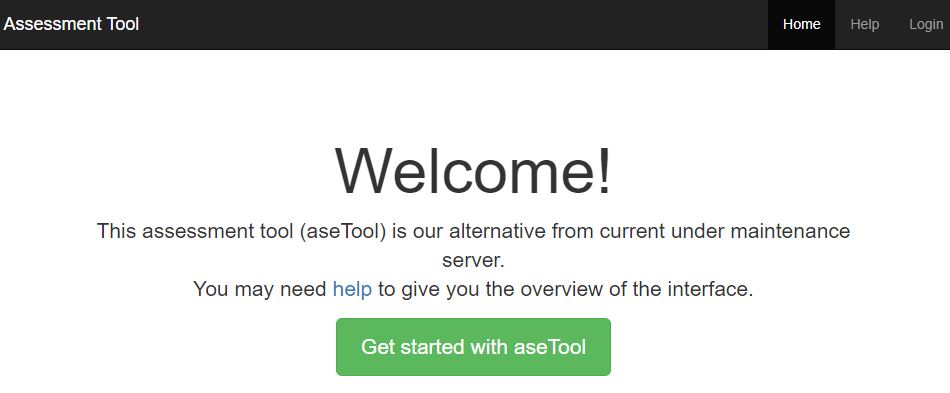
A. Home Page (https://asetool.syscado.net/web)
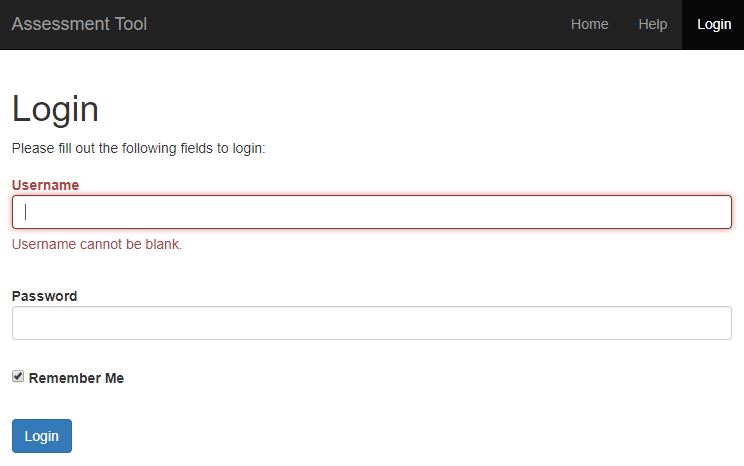
B. Login
B.1) Username: same as the old systerm. PW is **** (given in the email)
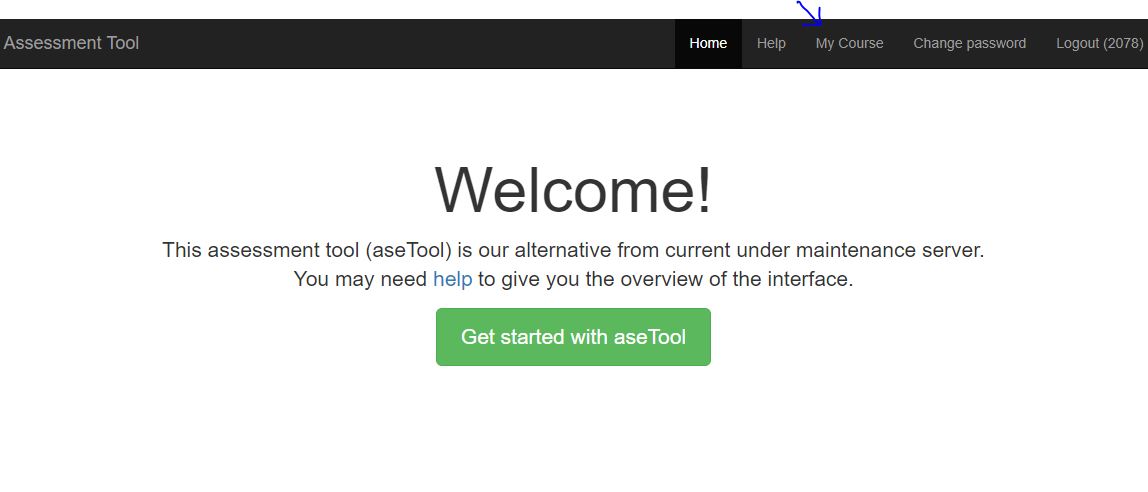
B.2) After successful login, you have added menu options. Go to My Course.
C. Adding Course and Section
C.1) Go to My Course
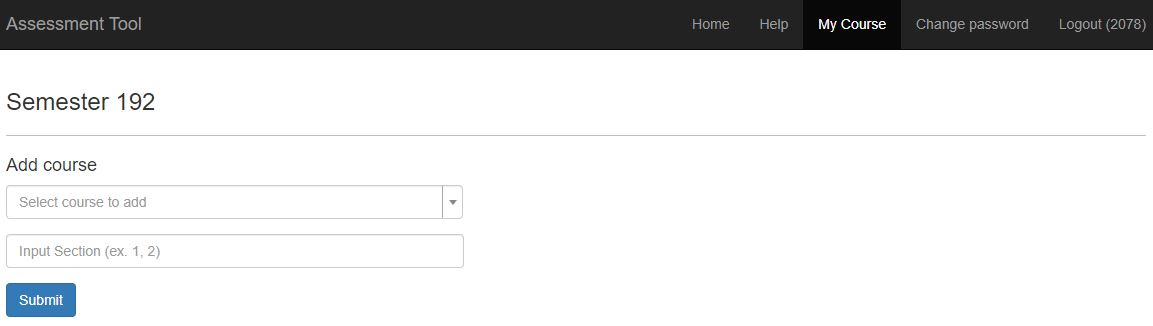
C.2) Select your course
C.3) Input the section number. Example, 1, 2,...
C.4) Click Submit button
RESULT
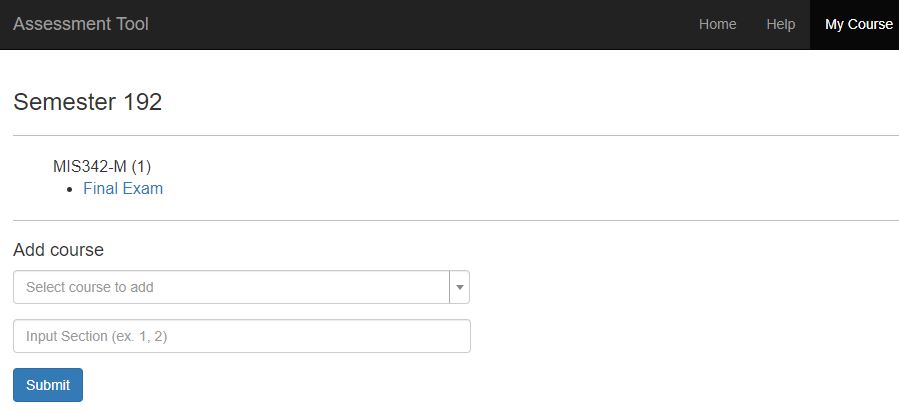
D. Entering Percentage, CLOs, PLOs, Item marks, & Student Scores
D.1) Click the Final Exam of the course.
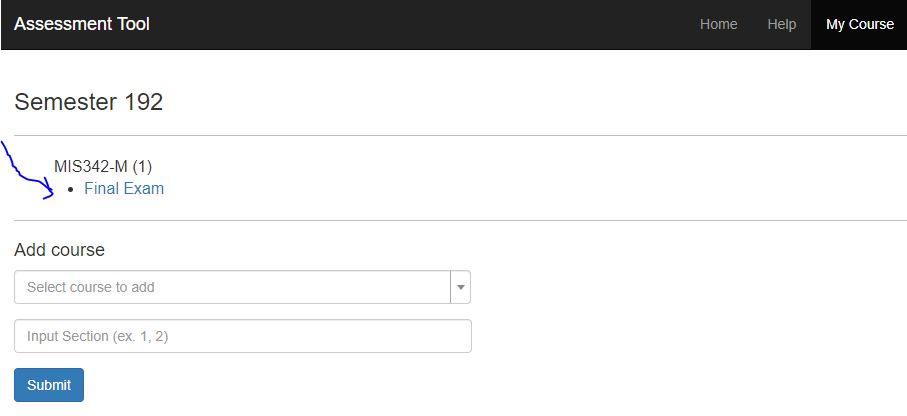
D.2) RESULT
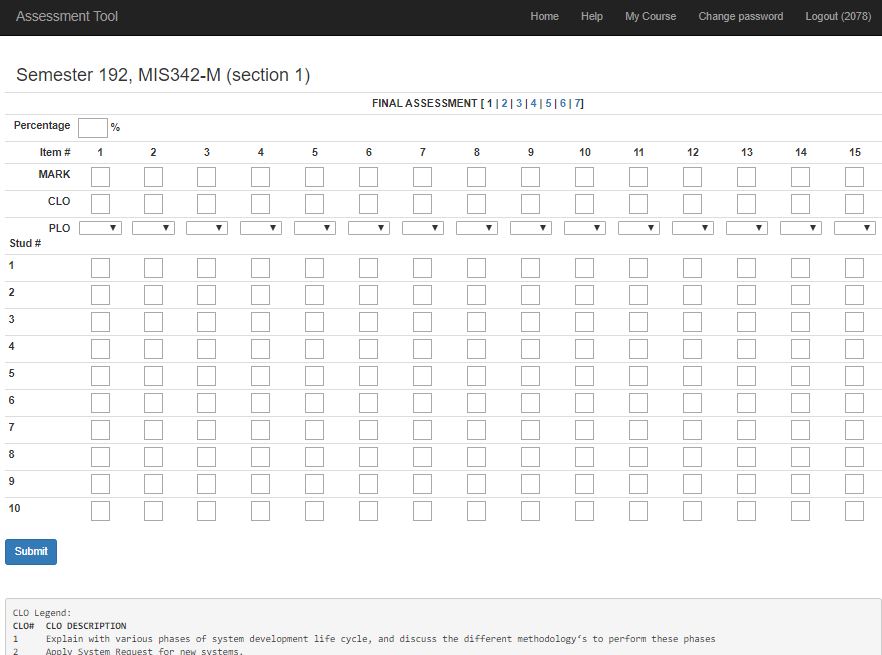
a) The 7 numbers beside 'Final Assessment' are sub-categories. Like 'theory', 'lab', 'part 1', 'quiz 2', and so on...
b) For every sub-category, there is a maximum of 15 question items. You do not need to fill all these sub-categories and item numbers.
c) If you have only 3 questions, for example, just fill-in the first 3 items.
However, if 1 question is essay and it covers many PLOs, then you may cover 2 or 3 more of the item numbers.
d) The entries should include the mark, CLO, and PLO for that item. A CLO guide is also shown at the bottom for reference.
e) The percentage is for the current sub-category.
f) Please enter only 10 students' scores if you have more than 10.
D.3) Click Submit button from time to time.